Session controls
Scene selection, run controls and recorded session status.
A NOU-BOU INDUSTRIES PRODUCT
RangeHunter
Turn your space into a projected shooting experience. RangeHunter runs on a computer, sends the scene to a projector with a connected camera as part of the station. We provide the software; you bring the computer, projector and camera.
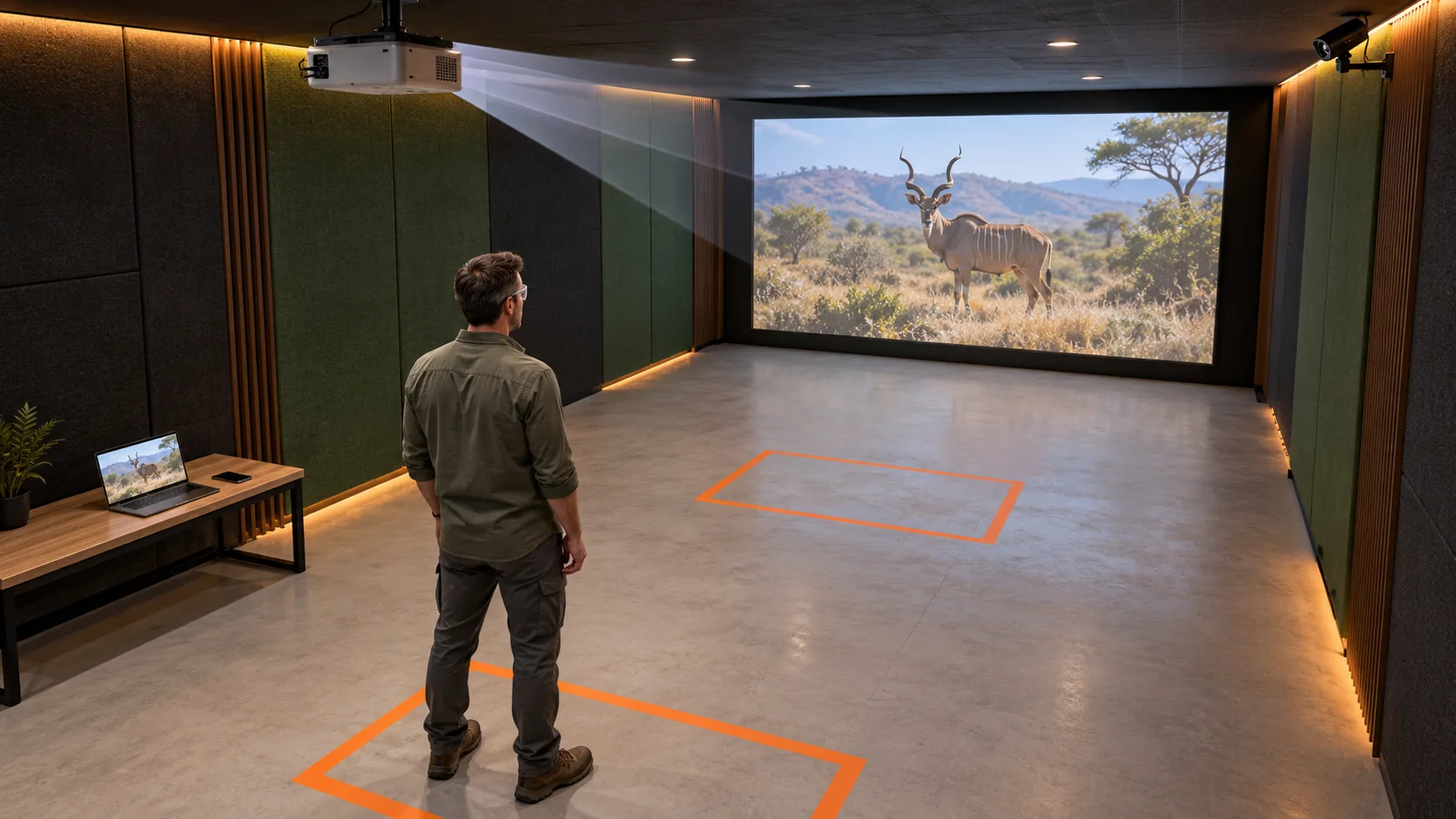
AI-generated concept views of an indoor simulator, not installation specifications.
Illustrative feedback only. Sample results are simulated; this page is not connected to a station.
Picture the setup
Explore overhead and low-mounted projector concepts, a corner-camera viewpoint, and two different styles of projected scene.
A ceiling-mounted projector, camera viewpoint and participant area frame a realistic projected environment.
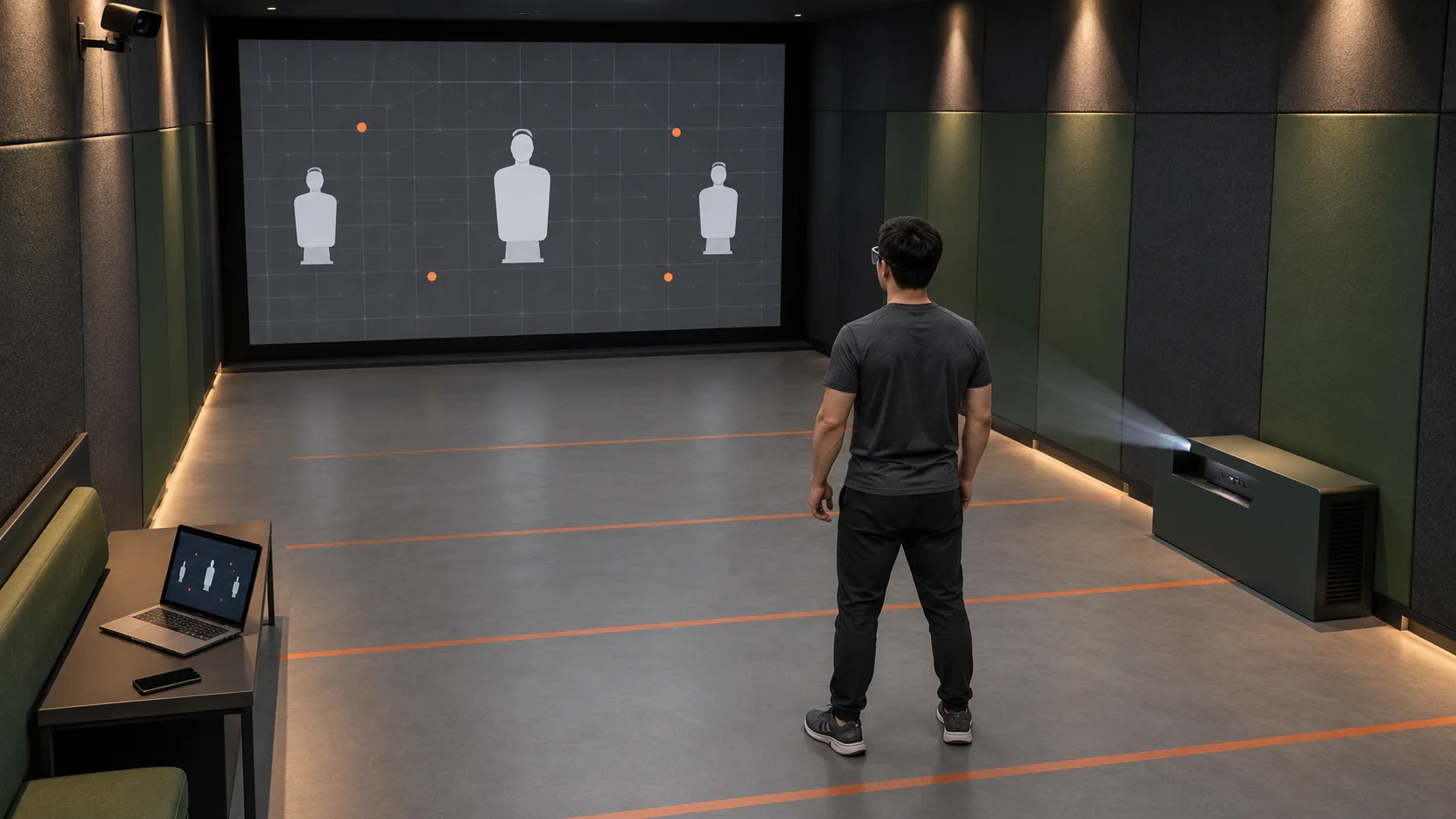
A protected low-level console sits off the participant lane, with a mannequin and grid-style scene shown on the screen.
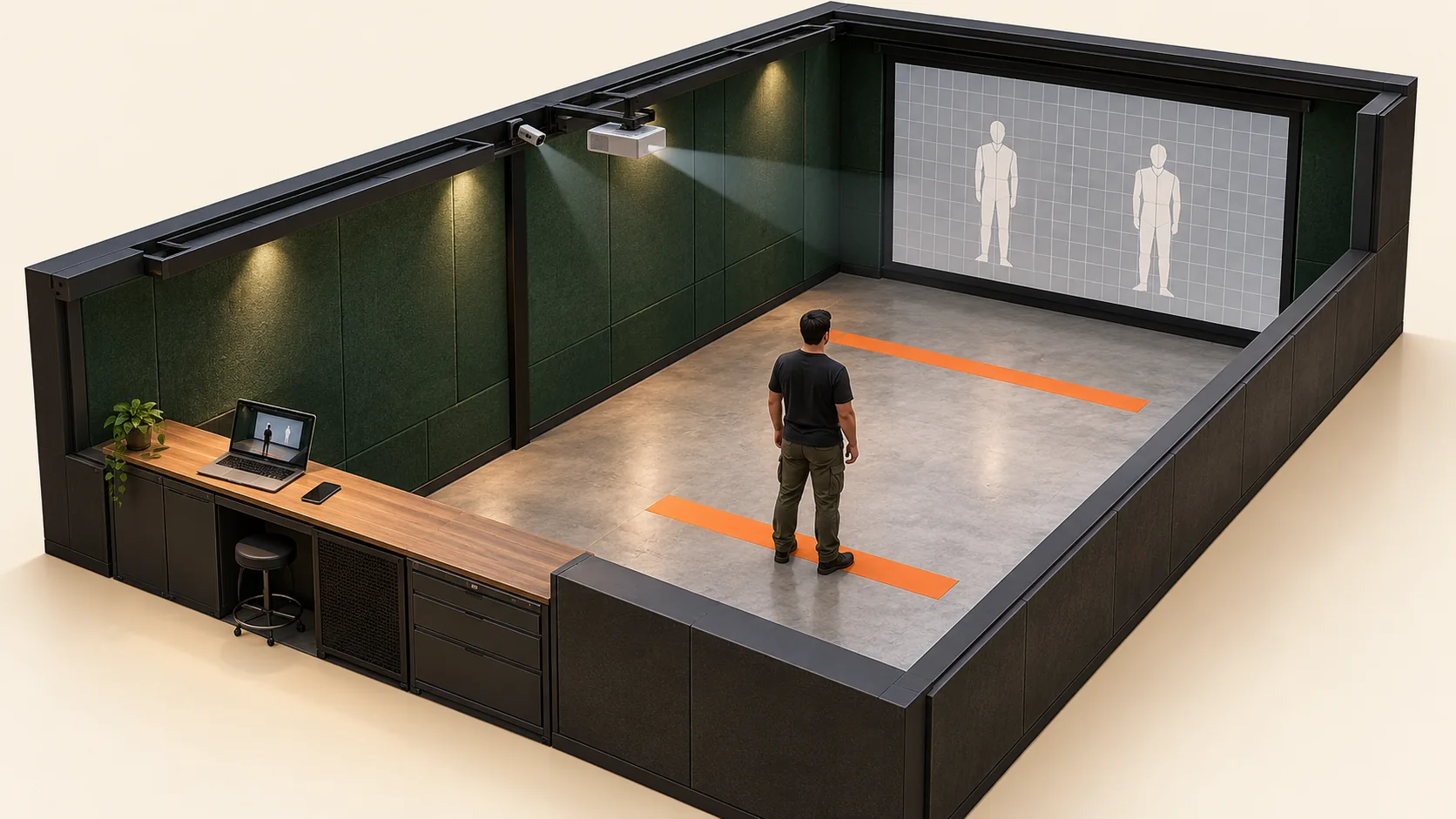
The cutaway brings the screen, camera, projector, participant space and session console into a single view.
Floor marks suggest nearer and farther positions. The 5–10 m spacing is an illustrative room-scale idea, not a measured or validated operating distance.
AI-generated visual concepts for indoor airsoft/simulator use. Camera coverage, equipment positions, projection surfaces and suitability require assessment for the intended venue. These are not live-fire installation plans or evidence of tested capability.
Recorded walkthrough
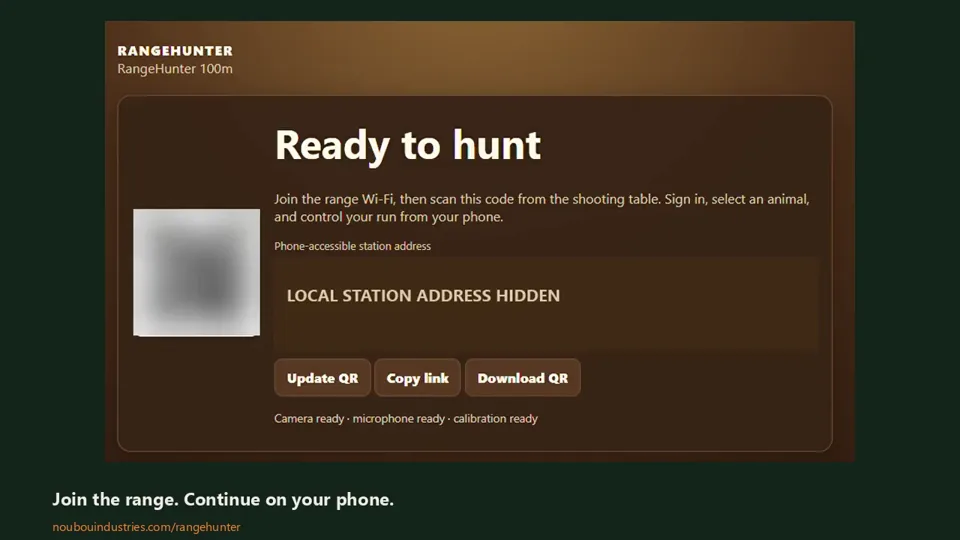
See the station join screen, scenario selection and saved-session workflow in recordings from the current build. Scan the station QR code, create a profile or sign in, then control your session from your phone.
Edited from test recordings, with account and local network details hidden. Silent video with on-screen captions. The clips show the interface workflow; results are those shown in the recording.
Scene selection, run controls and recorded session status.
Saved session history and the downloaded session files.
See the scenes
Watch a hunting scene from RangeHunter and a fictional zombie scene from the separate recreational airsoft prototype.
A sample animal scene from the RangeHunter target collection.
A fictional encounter from the recreational airsoft scene collection.
Scene previews only. Choose a clip to see the projected scene. Press play to load each video.
The initial setup
Prepare the station once, then let each shooter join from their phone. Hardware is separate from the RangeHunter software.
The computer runs the software, controls the projected scene and stores local profiles, sessions and recordings.
Connect the projector as a display and position its image on the intended projection surface.
A camera completes the computer and projector setup. We provide the RangeHunter software.
Set up RangeHunter on your computer, connect the projector and camera, and put shooter phones on the same local network. Display the station’s QR code to let shooters join.
You need a projector, a computer and a camera. We provide the software and can discuss getting your venue started.
The shooter experience
A projected scene in front of you. Session controls and your results in your hand.
Join the station’s local network and scan its QR code. The session interface opens in your phone browser.
Register as a new shooter or log into your existing profile at that station, keeping your sessions together.
Select the available options and shooting scenario. Hunting scenes are included in the range build; the separate airsoft prototype adds its own scene categories.
Start a run from your phone. The computer projects the selected scene while the system records shot events and available target feedback.
Open your results and available camera replays. Review impact positions for accuracy, shot timing, recorded outcomes and live shooting time.
Revisit saved sessions and download the session ZIP, including its summary and available result images and replays.
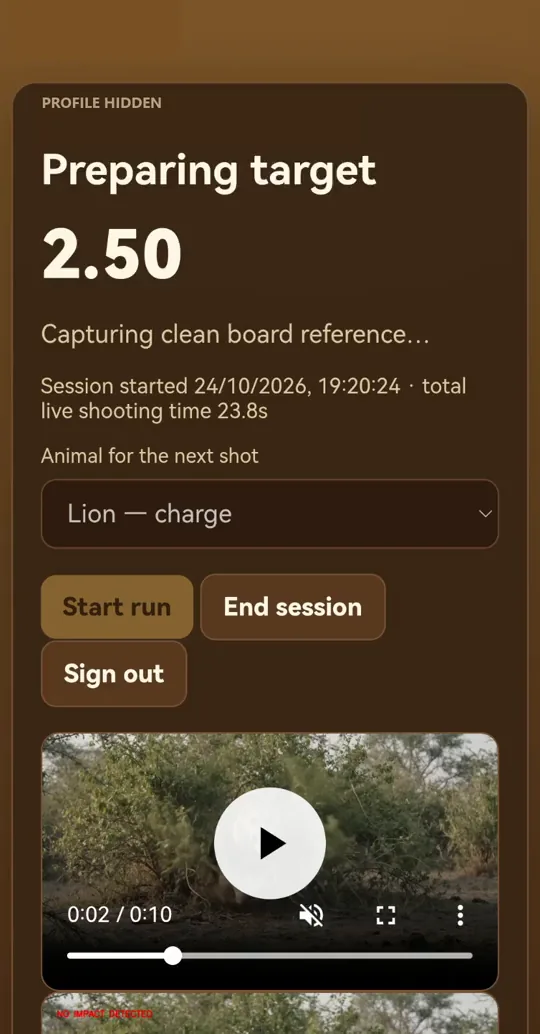
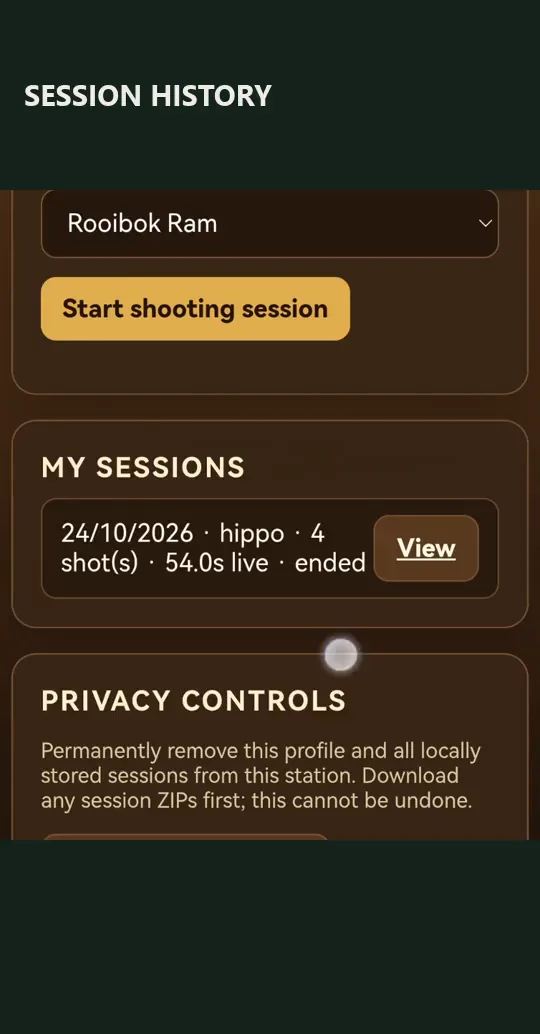
Screenshots taken from the supplied recordings, with identifying details hidden. Review recorded impact positions alongside shot timing, result images and available replays.
Built around the session
A connected workflow for range operators and shooters, with separate places to manage the station and review a session.
Review your shot results and accuracy alongside the session’s recorded feedback.
View session results in a browser on the station’s local network.
Revisit recorded events and available replay material after the moment has passed.
Review shot timestamps, elapsed scene time and total live shooting time, organised under your local shooter profile.
Keep a session ZIP with a structured summary, shot timing and recorded outcomes, plus available result images and camera replays.
Manage the station and shooting experience from the operator interface.
The project
RangeHunter is software for a local projection-based shooting station. The computer runs the experience and session records; the projector brings scenarios into the room; a connected camera completes the station. A separate recreational airsoft prototype is also in development.
A demonstration is the place to discuss the intended use, equipment and suitability for your venue. Cross-range accounts and a shared online platform are future work.
Good to know
We provide the RangeHunter software. Your station needs a computer, projector and camera. Phones join the computer over the local network. Contact us to discuss equipment compatibility and initial setup.
The current session interface runs in a phone browser connected to the same local network as the range station.
The current local-station workflow is designed to work on the range’s local network without internet access. Its accounts and session history remain local to that station.
Suitability depends on the venue, physical target surface, equipment and operating conditions. Enquire about a demonstration and an assessment of your intended setup.
This is the product information page. Contact Nou-Bou Industries to discuss the current build, demonstration options and intended use.
Bring your range into the conversation
Tell us about your venue, your equipment and what you want to learn from a demonstration.
info@noubouindustries.com